
Plaster and render, coordinated by surface and exposure
Bring internal plaster and external render into a single procurement view without merging their very different substrate and exposure needs. Organize the RFQ by wall, ceiling, facade and decorative finish, not by a single material name.
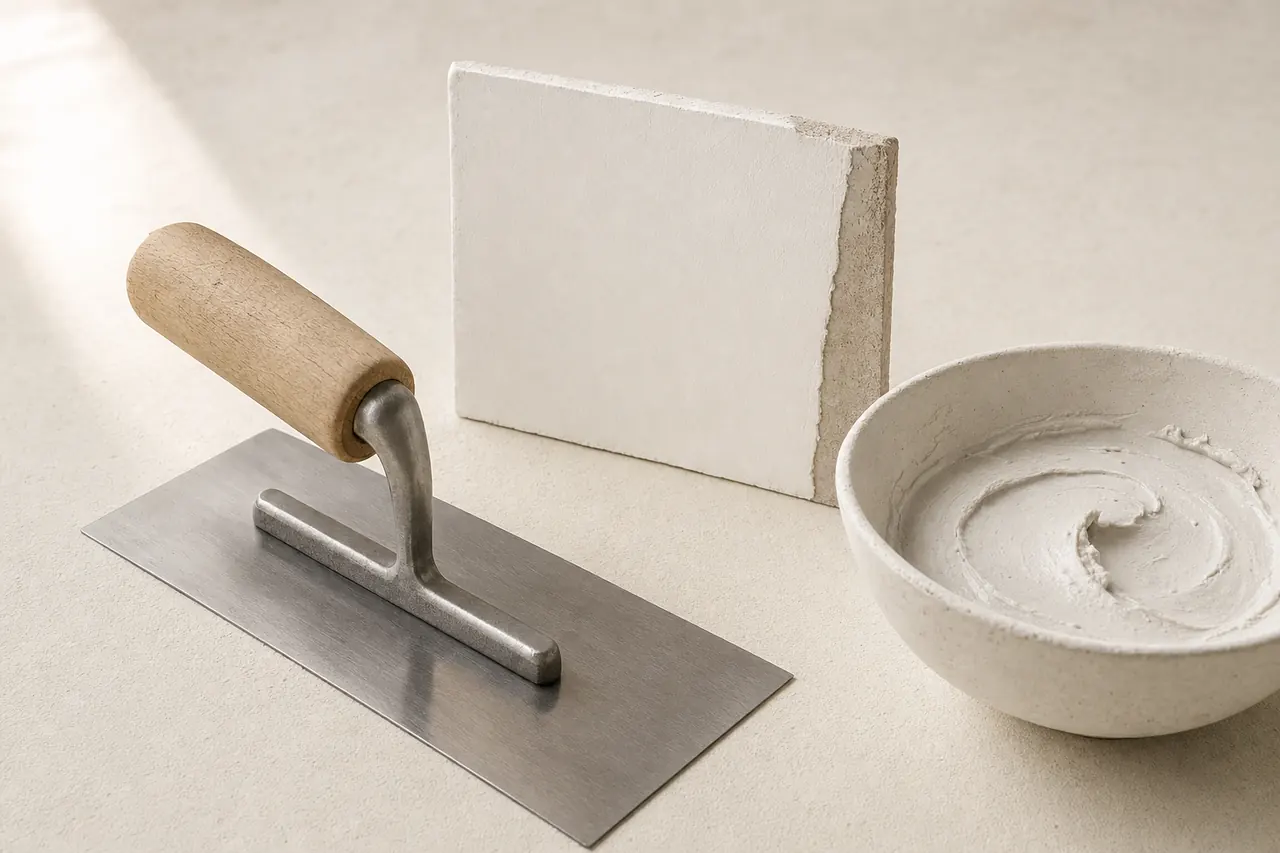
Start with the right material groups.
Internal plaster
Separate wall and ceiling plaster by room, substrate and required finish level. Ask which surface preparation and corner details belong to the plaster package.
External render
Describe each facade or exposed wall area with its background, movement joints and weather-facing condition. Link the render system to the project facade schedule.
Decorative and specialty finishes
Identify textured, polished or feature finishes separately from base coats and levelling work. Confirm the finish sample that will be used as the visual reference.
A material price is only part of the package.
One schedule, clearly separated scopes. This is a request outline, not an installation drawing.
Included materials
List each plaster or render area by room, elevation or zone, with measured surface and required finish reference.
Connections & interfaces
Assign substrate preparation, beads, mesh, movement profiles and edge details explicitly to the relevant package.
Confirm separately
Confirm access, protection, curing, cleanup and removal of leftover material separately instead of assuming an installed surface.
Six details that make offers clearer.
- Product designation
- Name the exact plaster or render product and the project-prescribed thickness, finish grade or size requirement.
- Substrate and background
- State whether the surface is block, concrete, board or mixed, and include any substrate condition notes for the offer.
- Exposure and location
- Mark internal, external, wet or fire-rated locations so the supplier can separate systems by area.
- Finish reference
- Use a named finish level or approved sample for texture and appearance; a generic material photo is not the acceptance reference.
- Reinforcement and beads
- Describe required mesh, corner beads, stop beads and movement details as included or separately measured items.
- Batching and application
- Request manufacturer product data covering preparation, water requirements and application conditions for the proposed product.
| Item & description | Quantity |
|---|---|
| P-01Internal wall plaster for apartment blocks A and B; finish and substrate required by room schedule. | 860 m² |
| P-02External render for facade east elevation; mesh and movement joints listed separately. | 310 m² |
Example quantities only; no live prices or supplier offers. Use your project schedule for final values and ask suppliers to list deviations.
Three checks before you decide.
Area basis
Compare net surface area, opening deductions and any stated waste allowance before accepting the total quantity.
System boundaries
Check where base coat, finish coat, beads and substrate repair sit in each package to avoid double counting.
Visual reference
Confirm the accepted sample, texture reference and any location-specific finish variation before procurement.
Details worth clarifying early.
Should internal plaster and external render be separated in the RFQ?
Yes. They face different backgrounds, weather exposure and edge details, so separating them by area prevents a mixed system from hiding missing facade items.
Are beads and mesh automatically part of the plaster package?
Not always. Name corner beads, stop beads and reinforcement mesh with their units, and state whether they are included or measured separately.
Turn your material schedule into a request.
Create a Matravo account to prepare your request. For account or sourcing-flow questions, visit support.