
Plasterboards for walls, partitions and ceilings
Request plasterboards as a distinct board package tied to each wall, partition or ceiling reference. Define board type, format, edge condition and number of layers before adding companion components. Keep framing, insulation, jointing and finishing listed separately so the offer is easy to compare.
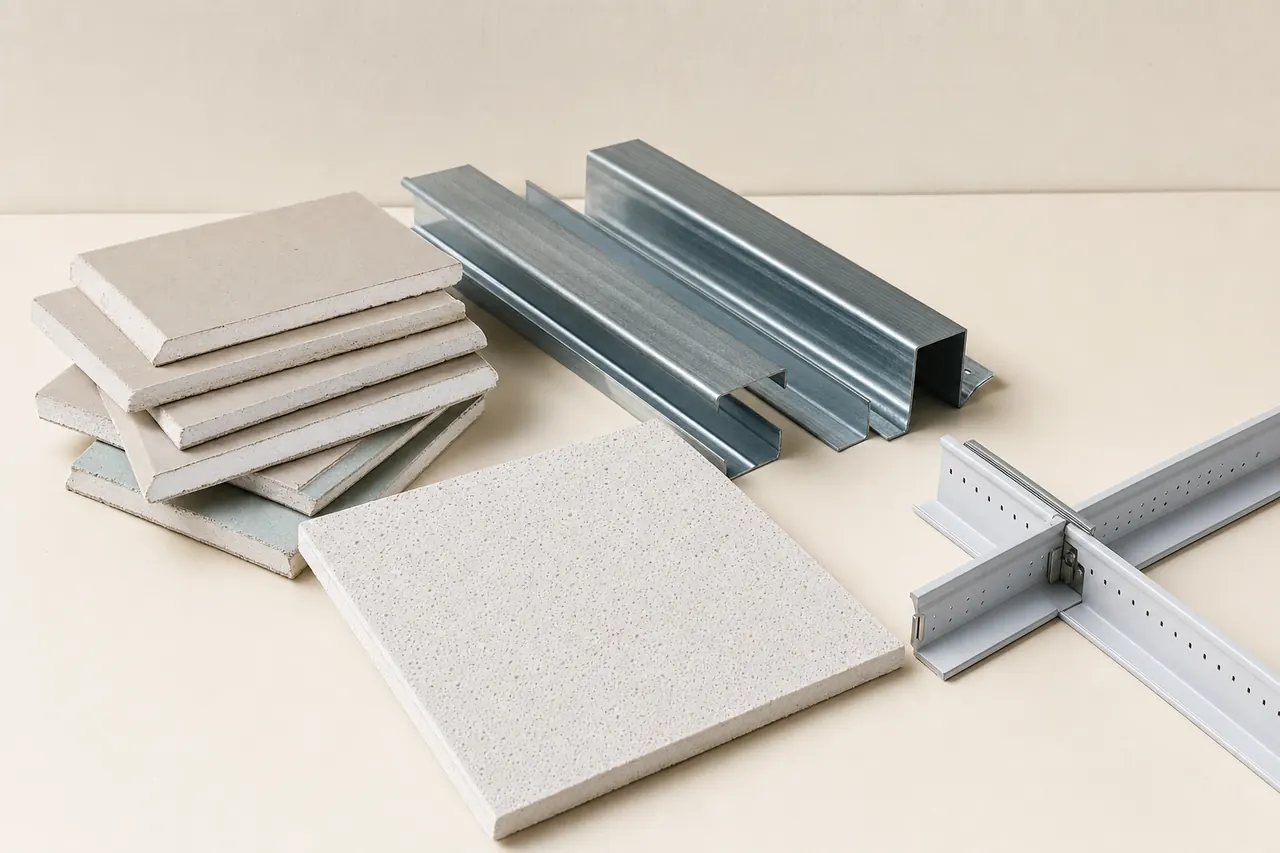
Start with the right material groups.
Board type and exposure
Separate standard, moisture-resistant and impact-resistant boards, and boards specified for fire-resisting assemblies, by the approved schedule. Keep each board linked to its complete wall or ceiling system.
Format and edge profile
State thickness, width, length and edge type for each board reference. Tapered, square and special edges change jointing quantities and finishing work.
Layers and linings
Define single or multiple layer arrangements for each side of a partition or each ceiling zone. Clarify whether boards are for new work, overcladding or replacement lining.
A material price is only part of the package.
One schedule, clearly separated scopes. This is a request outline, not an installation drawing.
Included materials
Plasterboard sheets for walls, partitions, shafts and ceilings, including required layer counts per assembly.
Connections & interfaces
Board-related joints, fixings, trims and perimeter interfaces allocated between the board and finishing packages.
Confirm separately
Installation, cutting waste, lifting and sequence requirements confirmed separately by the buyer and supplier.
Six details that make offers clearer.
- Board designation and project reference
- Give the exact board type, thickness and edge profile required from the project specification.
- Location and assembly reference
- Link each board request to a wall, ceiling or shaft assembly reference so quantities stay traceable.
- Layer count and board faces
- State the number of layers per face or ceiling plane, including any different board type between layers.
- Sheet size and cutting basis
- Confirm preferred sheet dimensions and whether quantity is net area or includes an agreed cutting allowance.
- Jointing and finishing interface
- List joint tape, fillers, beads and skim materials only if included; otherwise confirm the finishing package boundary.
- Fixing and support interface
- Identify who reconciles board fixings with framing spacing and whether framing is part of this package.
| Item & description | Quantity |
|---|---|
| P-01Moisture-resistant plasterboard for washroom partitions; two layers each side per assembly detail. | 240 m² |
| P-02Standard tapered-edge board for ceiling zone C-04; single layer with jointing materials listed separately. | 550 m² |
Example quantities only; no live prices or supplier offers. Use your project schedule for final values and ask suppliers to list deviations.
Three checks before you decide.
Board type against location
Confirm that each board designation matches the exposure and assembly listed for its location.
Layer and edge count
Compare layer requirements and edge profiles against jointing and fixing quantities before ordering.
Package boundary
Verify that framing, insulation, jointing, finishing and waste are either included or clearly excluded.
Details worth clarifying early.
Should I order board area without stating sheet size and edge?
No. A board type without format and edge profile leaves cutting, jointing and fixing quantities unclear. State the sheet dimensions and edge for every reference.
How do I request a two-layer plasterboard lining?
Give each face its own layer sequence, board type and thickness. Separate layer area from gross wall area so suppliers can price the correct board count.
Turn your material schedule into a request.
Create a Matravo account to prepare your request. For account or sourcing-flow questions, visit support.